A shared core for store data
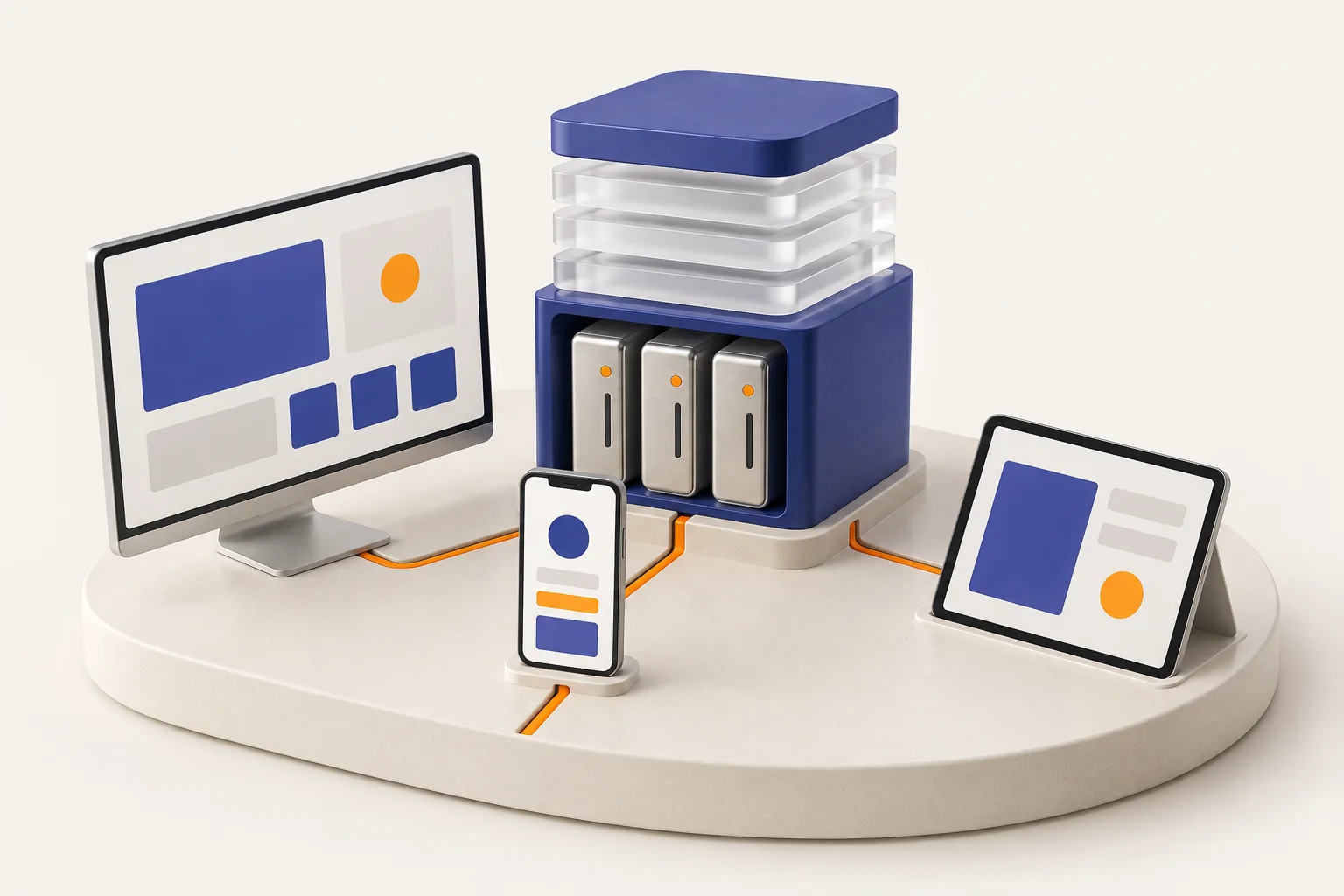
Mobile and web connect to the same Barcode service. Records saved on the server provide a basis for continuing on another device, without moving files manually.
Behind your everyday business
Your business is more than a checkout. Barcode connects sales, stock and accounts so your team works with shared information and you can see more of the picture.
From daily activity to better decisions
With sales, stock and accounts in one system, understanding your business takes fewer separate spreadsheets and tools.
Bring products, customers, discounts and payment methods together on an invoice.
Connect product movements and warehouse information to everyday operations.
Use invoices, receipts and payments to follow the financial side of your business.
Sales and inventory reports help you spot changes and choose the next step.
What makes the connection possible
Mobile and web connect to the same Barcode service. Records saved on the server provide a basis for continuing on another device, without moving files manually.
Managers, accountants, cashiers and warehouse staff have different responsibilities. Organize your team with member roles and review the access needed during setup.
Explore team rolesTasks such as tax invoice submission and integration sync have processing states. A queued request, a successful result and an error needing attention are different stages.
Persian, English and Arabic, store currency settings, and Persian, Gregorian or Hijri calendar choices support different markets. Coverage depends on the client and configuration you use.
When your connection changes
Barcode has local storage and sync queues for supported operations. Offline coverage differs by client; first sign-in, fresh data and online services require a connection.
Downloaded product and customer information can remain on the device, while supported invoices can wait for a later upload.
Supported operations use browser storage and an upload queue. Keeping browser data and checking upload status are part of working offline.
Opens the Barcode web experience in a desktop application. Its offline features and limits follow the web client.
Before changing devices or clearing app or browser data, check that pending items have synced successfully. Online payments and tax submission confirmation require their respective services.
More room for your business
Each connection has its own setup and requirements. Check the destination account, permissions and plan coverage before activating it.
Bring your Barcode storefront to your WordPress site, with installation, configuration and update guidance. The setup guide is in Persian.
Explore the detailsExplore API and integration options for custom requirements. Access and the supported operations need to match your specific connection.
Explore the detailsFollow Iran’s Moadian setup, submission results and error guidance for a clearer electronic invoicing process. Guidance is in Persian.
Explore the detailsEach client is designed for its own use. Printer support, scanning, offline work and some operations can differ. Try your main workflows in the demo using your own devices and equipment.
Until sync succeeds, pending records remain on that device. When the connection returns, check upload results and resolve any items with errors.
Start with the users, branches, devices and services your business needs. Then check plan coverage and connection requirements on the pricing page and with the Barcode team.
Try a product, a customer and an invoice. Then explore reports, team roles and your next sales channel.